Building a successful career requires more than having qualifications and professional experience. You also need to connect with the right people, discover employment opportunities, develop relevant skills, and remain informed about changes in your industry.
LinkedIn has become an important platform for professionals who want to achieve these goals. It offers several features that help users showcase their abilities, connect with recruiters, explore career opportunities, and learn new skills.
Whether you are a university graduate, freelancer, experienced employee, entrepreneur, or someone looking for international employment, understanding how to use LinkedIn effectively can help you take the next step in your professional journey.
But which LinkedIn features are actually useful for career development?
Here are some of the most valuable features to explore.
1. LinkedIn Professional Profile
Your LinkedIn profile is the foundation of your professional presence on the platform.
It allows you to introduce yourself, explain your experience, highlight your qualifications, and showcase the skills you have developed throughout your career.
A strong profile should include:
- A professional profile photograph.
- An informative headline.
- A detailed About section.
- Your employment history.
- Educational qualifications.
- Relevant professional skills.
- Certifications and achievements.
- Projects and portfolio examples.
Your headline is particularly important because it helps visitors understand your professional identity quickly.
For example, instead of writing only “Job Seeker,” you could use:
“Digital Marketing Specialist | SEO | Content Strategy | Social Media Management.”
This communicates your abilities more clearly and helps relevant professionals understand what you offer.
2. LinkedIn Jobs
The Jobs feature helps users discover employment opportunities across different industries and locations.
You can search for positions based on job titles, companies, experience levels, employment types, and locations.
For example, someone interested in international employment can explore opportunities in different countries or search for remote positions.
The Jobs section can help you discover:
- Full-time employment.
- Part-time positions.
- Remote jobs.
- Internship opportunities.
- Contract positions.
- Graduate programmes.
- Entry-level opportunities.
- Senior professional roles.
You can also explore recommended vacancies based on your profile and job preferences.
Rather than applying randomly, review each job description carefully and focus on positions that match your qualifications and experience.
3. Open to Work
Open to Work is a useful feature for professionals actively searching for new employment.
It allows you to communicate your interest in new opportunities and specify the types of positions you are considering.
You can provide information such as:
- Preferred job titles.
- Desired work locations.
- Remote, hybrid, or on-site preferences.
- Employment types.
- Availability to start.
LinkedIn allows you to choose whether your Open to Work status is visible to all members or recruiters only.
The recruiters-only option can provide additional discretion, although LinkedIn cannot guarantee complete privacy from people at your current workplace.
This feature can be particularly useful for graduates, experienced professionals considering a career change, and people searching for international employment.
4. LinkedIn Learning
Developing new skills is essential for career growth, especially as industries adopt new technologies and working methods.
LinkedIn Learning provides online courses covering different professional subjects.
You can explore courses in areas such as:
- Artificial intelligence.
- Business management.
- Communication.
- Project management.
- Data analytics.
- Digital marketing.
- Software development.
- Leadership.
- Personal productivity.
- Professional writing.
The platform also provides learning recommendations that can help you identify skills relevant to your career interests.
For example, someone working in administration might study project management, while a marketing professional could explore data analytics or AI-assisted marketing.
Course access generally requires a subscription, although some users may have access through an employer, educational institution, or promotional offer.
The important thing is to choose courses that help you develop practical abilities rather than collecting certificates without applying what you learn.
5. LinkedIn Skills Section
The Skills section allows you to display professional abilities that are relevant to your career.
Recruiters and employers may use skills to identify candidates with suitable experience, making this section important when building a professional profile.
Depending on your background, you might include:
- Communication.
- Microsoft Excel.
- Customer service.
- Data analysis.
- Graphic design.
- Project management.
- Search engine optimization.
- Programming.
- Financial reporting.
- Leadership.
Choose skills that accurately represent your abilities and match the positions you want to pursue.
Avoid adding skills simply because they are popular. You should be prepared to explain and demonstrate the abilities listed on your profile.
6. LinkedIn Recommendations and Endorsements
Professional credibility can influence how employers and potential clients view your profile.
LinkedIn provides features that allow people in your professional network to recognize your abilities and share their experiences of working with you.
Skills endorsements allow connections to endorse skills listed on your profile.
Recommendations are written statements from people who have worked with you, such as managers, colleagues, clients, lecturers, or professional partners.
A meaningful recommendation can explain your contribution to a project, your communication abilities, or your reliability.
For example, a former client might describe how you completed a project successfully and maintained professional communication throughout the assignment.
You can also write recommendations for other professionals when you have genuine experience working with them.
7. LinkedIn Networking and Connections
Networking is one of LinkedIn’s most valuable career development opportunities.
The platform allows you to connect with recruiters, industry experts, business owners, colleagues, former classmates, and professionals working in your preferred field.
Building relevant connections can help you:
- Discover employment opportunities.
- Learn about different industries.
- Find professional mentors.
- Exchange career advice.
- Develop business relationships.
- Discover freelance projects.
- Connect with international professionals.
Instead of sending random connection requests, focus on people whose professional interests or experience relate to your goals.
Personalized connection messages can make it easier to begin meaningful professional conversations.
8. LinkedIn Job Alerts
Searching for new employment opportunities regularly can take considerable time.
Job Alerts help simplify this process by notifying you when vacancies matching your selected preferences become available.
You can create alerts based on:
- Job titles.
- Locations.
- Employment types.
- Experience levels.
- Other available search filters.
For example, a graduate interested in remote marketing positions can create an alert for relevant job searches.
Depending on your settings, notifications may arrive through email or the LinkedIn application.
Job Alerts can help you discover new opportunities without repeatedly conducting the same searches.
However, receiving an alert does not guarantee that a position is still available when you open it. Always check the original listing and application deadline.
9. LinkedIn Featured Section
The Featured section allows you to highlight important professional work on your profile.
It is particularly useful for freelancers, designers, writers, developers, consultants, and professionals who want to demonstrate their abilities.
You can feature:
- Portfolio samples.
- Professional articles.
- Completed projects.
- Presentations.
- Business websites.
- Important LinkedIn posts.
- Work-related achievements.
For example, a freelance writer could feature published articles, while a web developer could showcase websites they have built.
This section helps visitors see examples of your work instead of relying entirely on written descriptions.
Choose your strongest and most relevant examples to make a positive professional impression.
10. LinkedIn Groups
LinkedIn Groups allow professionals to participate in discussions around shared interests, industries, and career subjects.
You can find communities related to technology, business, finance, education, entrepreneurship, marketing, and many other professional areas.
Joining relevant groups can help you:
- Exchange industry knowledge.
- Ask professional questions.
- Learn from experienced members.
- Discover useful resources.
- Participate in career discussions.
- Expand your professional network.
For example, someone interested in cybersecurity could participate in discussions about digital security, professional certifications, and industry developments.
Focus on contributing helpful information rather than using groups only to advertise your services.
11. LinkedIn Company Pages
Company Pages allow you to research organizations and follow their professional updates.
This feature can be valuable when preparing for job applications or exploring potential employers.
By following companies, you can learn about:
- New employment opportunities.
- Company announcements.
- Business developments.
- Workplace culture.
- Products and services.
- Industry activities.
- Professional events.
Before attending an interview, reviewing a company’s LinkedIn Page can help you understand its business and recent activities.
You can also follow organizations operating in different countries to discover potential international career opportunities.
12. LinkedIn Creator and Publishing Features
Sharing useful professional content can help you build visibility and establish your reputation in your industry.
LinkedIn allows members to publish posts, articles, and other content formats, depending on the features available to their accounts.
You can share:
- Professional experiences.
- Career development advice.
- Industry observations.
- Educational information.
- Project achievements.
- Lessons learned at work.
- Useful resources.
For example, a software developer could share lessons from building an application, while a finance professional might explain basic financial concepts.
You do not need to become a full-time content creator to benefit from publishing.
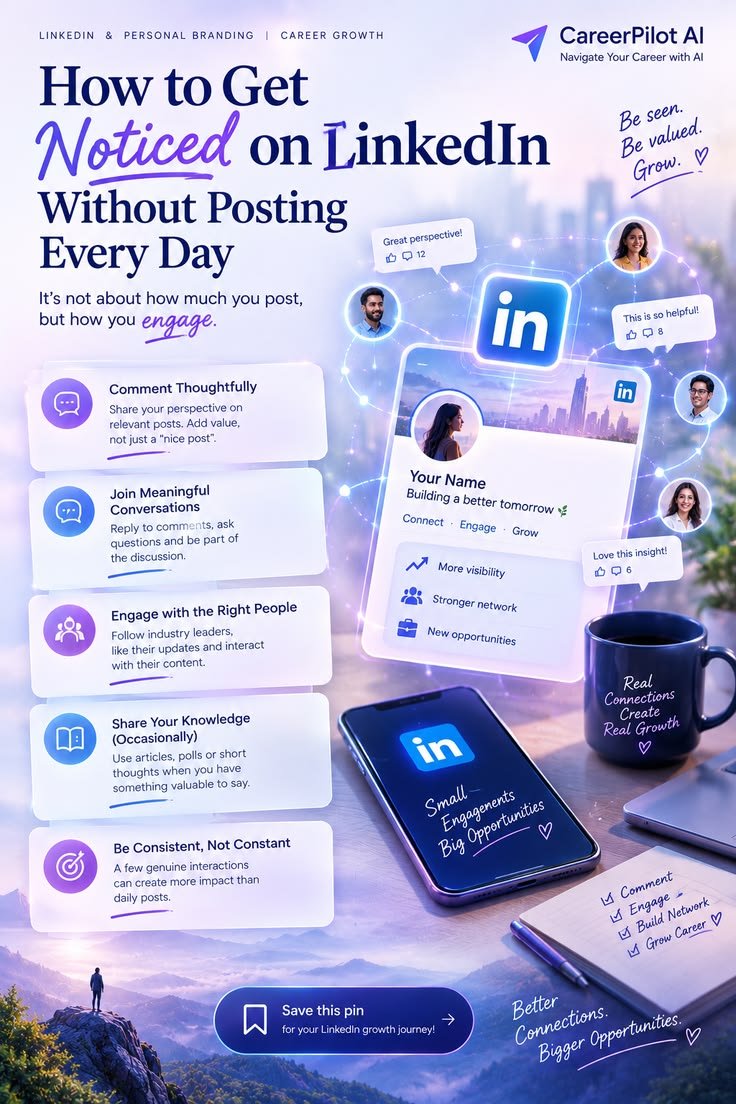
Sharing relevant information occasionally and participating in professional conversations can help others recognize your interests and expertise.
13. LinkedIn Verification Features
LinkedIn offers verification options that can help establish the authenticity of certain profile information.
Depending on eligibility and availability, members may be able to verify their identity, workplace, or educational information.
A verification badge can provide additional confidence to recruiters, potential employers, and professional connections.
However, verification does not guarantee employment or prove that someone has exceptional professional skills.
It is best viewed as an additional credibility feature that supports an already complete and accurate profile.
14. LinkedIn Premium Career
LinkedIn Premium Career is a paid subscription designed partly to support job seekers and career development.
Depending on the current plan and availability, it can provide additional tools such as:
- InMail credits for contacting people outside your network.
- Additional profile-viewer information.
- Job applicant insights.
- Profile improvement suggestions.
- Access to LinkedIn Learning.
- Additional career insights.
These features may help users research employment opportunities and communicate with recruiters.
However, a paid subscription is not essential for building a professional LinkedIn presence.
The free version already provides useful tools for creating a profile, connecting with people, searching for jobs, and setting job alerts.
Consider Premium only if its additional features support your actual career goals and justify the subscription cost.
15. LinkedIn Career Insights
Career Insights can help users explore professional opportunities and understand possible career development paths.
Depending on account access and subscription eligibility, the available information may include:
- Companies hiring for particular roles.
- Professionals who may help with career development.
- Recommended learning courses.
- Skills associated with specific positions.
- Information about career transitions.
- Personalized career recommendations.
For example, someone interested in moving from customer service into business analysis can explore the skills associated with that career direction.
Some advanced insights require Premium access, so the available information may differ between accounts.
How Can You Use LinkedIn Features Together to Advance Your Career?
The best results often come from combining several LinkedIn features rather than depending on just one.
Here is a simple strategy:
Step 1: Improve your profile. Add a professional photograph, clear headline, relevant skills, and detailed work experience.
Step 2: Develop your abilities. Use LinkedIn Learning or other educational resources to improve skills related to your career goals.
Step 3: Expand your network. Connect with professionals, recruiters, industry experts, and people working in organizations that interest you.
Step 4: Explore employment opportunities. Use the Jobs section and create relevant Job Alerts.
Step 5: Increase your credibility. Add projects, certifications, recommendations, and examples of your professional work.
Step 6: Stay active. Follow companies, participate in discussions, and share useful professional information.
Step 7: Review your progress. Update your profile as you gain experience and adjust your career strategy when your goals change.
Conclusion
LinkedIn offers several features that can help professionals develop their careers, discover employment opportunities, improve their skills, and build valuable relationships.
Its professional profile, Jobs section, Open to Work, LinkedIn Learning, networking tools, Featured section, recommendations, and Career Insights can all support different stages of professional development.
You do not need to use every feature or purchase a premium subscription to benefit from the platform. Start with the tools that match your immediate goals and use them consistently.
Whether you want your first job, a promotion, international employment, freelance clients, or a complete career change, LinkedIn can help you create connections and explore opportunities that support your professional future.